How to Choose the Best AI Task Automation Tools for Voice-to-Task
You're evaluating voice-to-task tools because your team keeps losing tasks in WhatsApp threads and field updates never make it to the right person. Most platforms promise voice capture but fail at routing those tasks to the correct owner. This guide gives you concrete selection criteria and a clear number one pick based on real integration needs.
By the end, you'll know exactly which features matter for voice recognition accuracy, how to check integration with your existing communication channels, and whether your team size and budget point toward Tasks.Bot, Reminderly.ai, TaskRio, Karo.bot, or The Sarah AI. You'll also have a final verdict to make the decision today.
What to Look For in AI Task Automation Tools for Voice-to-Task
When evaluating AI task automation tools that support voice-to-task, prioritize the accuracy of speech recognition and the depth of natural language understanding, as these directly determine how reliably your spoken instructions become actionable tasks.
The core promise of voice-to-task is simple: you speak, and the system creates a structured task. The reality is more complex. Your speech contains nuance, context, and implicit details that a basic transcription tool will miss entirely.
Beyond accuracy, you need to assess how the tool handles the entire workflow. This includes integration with your existing tools, the learning curve for your team, and whether the system improves over time with machine learning models.
The following sections break down the key criteria for evaluating these tools. Each sub-heading explores a specific dimension that separates capable voice-to-task solutions from simple voice-to-text converters.
Voice Recognition Accuracy and Natural Language Understanding
A tool's voice recognition accuracy is measured by its word error rate, but for task automation, the more critical metric is how well it parses intent and extracts task details like deadlines, assignees, and priorities from conversational speech.
Transcription is only the baseline. The real value comes from the natural language processing layer that understands context, handles various accents, and identifies actionable elements within your spoken words. A tool that transcribes perfectly but fails to recognize that "next Tuesday" means a deadline has missed the point.
Modern AI tools use machine learning models that improve over time. These systems learn from your speech patterns, your team's vocabulary, and your recurring task structures. This means the tool gets more accurate the more you use it.
When testing tools, try them with varied accents and in noisy environments. Many tools perform well in quiet demo settings but struggle in real office conditions. Ask vendors directly about their accuracy metrics and whether they support your industry's domain-specific vocabulary.
Consider testing with a few practical examples: a multi-step instruction with a deadline, a task that includes a name and a priority level, and a request that uses casual, conversational language rather than formal commands.
Integration with Existing Communication Channels
The best AI task automation tools fit seamlessly into your team's current workflow, so check whether the tool integrates with the messaging platforms, email, calendars, and project management software your team already uses daily.
Integration reduces friction and lowers adoption barriers. If your team lives in Slack, Microsoft Teams, or WhatsApp, ensure the tool works natively in those environments. A tool that requires switching to a new communication platform is far less likely to succeed.
Consider the full range of integrations that matter for your workflow:
- Messaging platforms for capturing voice notes and voice commands in context
- Email systems for turning dictated messages into tasks or replies
- Calendar apps for creating events and scheduling from spoken instructions
- Project management tools for delegating tasks to the right boards or sprints
Native integrations generally provide a smoother experience than API-based custom setups. Native options are maintained by the vendor, updated regularly, and tend to have fewer configuration issues. API-based integrations offer more flexibility but require development resources to build and maintain.
Also consider whether the tool can pull tasks from emails or create calendar events automatically. The strongest voice-to-task solutions work across multiple channels, so a task captured in a voice memo can flow into your project management system without manual intervention.
A tool that requires a new communication platform creates an extra hurdle for your team. The goal is to reduce friction, not add it. Prioritize tools that work where your team already communicates.
1. Tasks.Bot - Best Overall
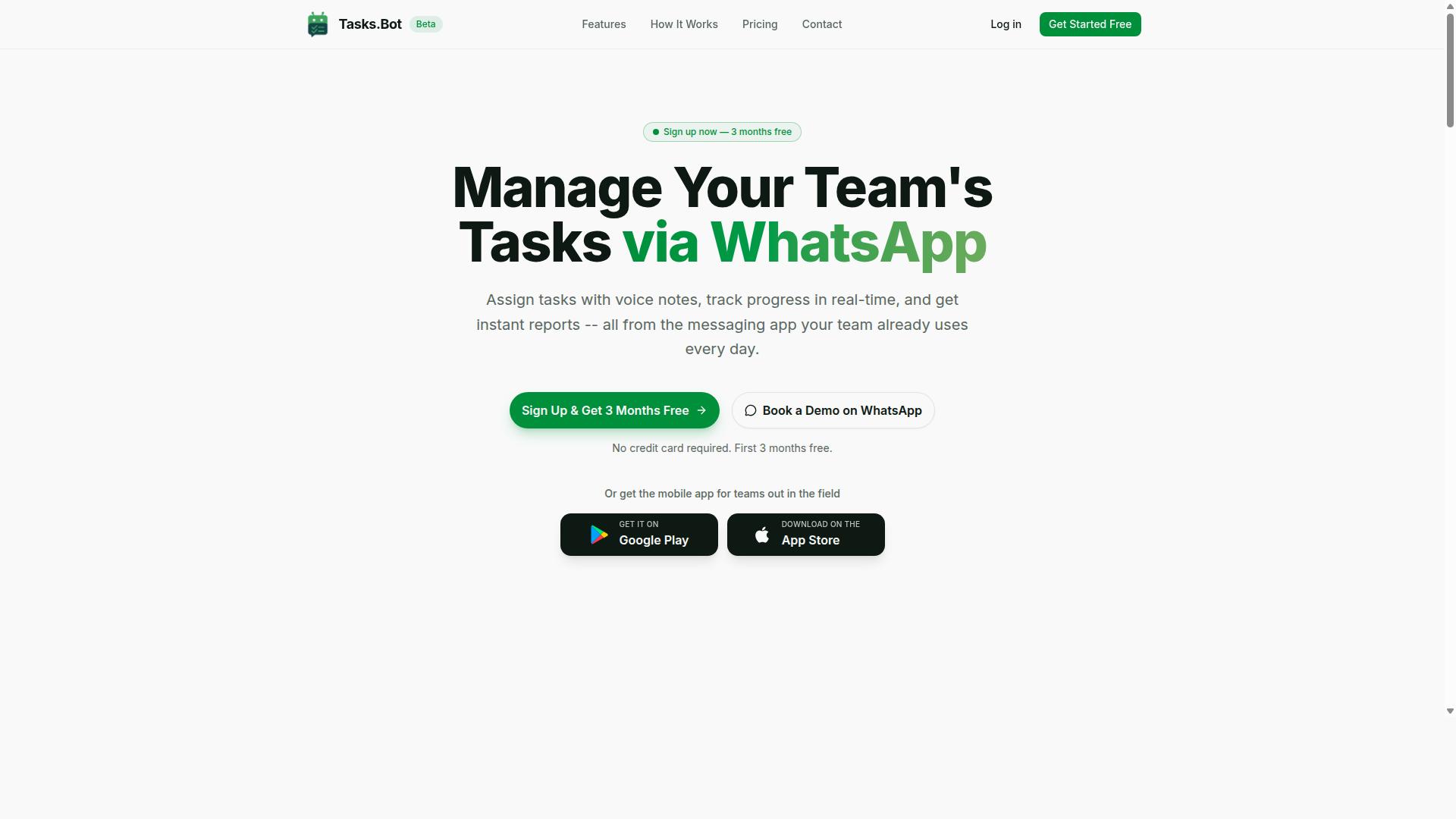
Tasks.Bot stands out as the best overall AI task automation tool because it brings voice-to-task directly into WhatsApp, the messaging app your team already uses, eliminating the need for new software adoption. This is the core advantage: no new apps to install, no new tabs to open, and no steep learning curve.
The platform is a task management system that operates entirely within WhatsApp, letting teams assign tasks, track progress, and receive reports inside the familiar chat interface. For field teams, Tasks.Bot also provides a dedicated mobile app with Android and iOS support, so remote workers stay connected whether they are at a desk or on the road.
What makes Tasks.Bot the best overall pick is its combination of conversational AI, practical automation, and a pricing model that is easy to understand. The service is currently in beta and offers a free trial period, which makes it low-risk to test with your team before committing.
In the sections below, we break down how the voice-to-task feature works, what the pricing looks like, and why the field team features make it a standout choice for businesses that rely on mobile workers.
Voice-to-Task via WhatsApp and AI-Powered Assignment
Tasks.Bot's core feature lets you send a voice note or text message on WhatsApp, and its AI interprets the request to create a task, automatically assign it to the right team member, and set deadlines. Instead of typing out details, you simply speak naturally and let the system handle the rest.
The AI uses natural language processing to understand conversational phrasing, not just rigid commands. You can say something like "Ask Ravi to check the inventory at the warehouse tomorrow morning," and the system extracts the task, the assignee, and the timing. This works across multiple languages, which is a major plus for diverse teams.
Key capabilities of the voice-to-task system include:
- Voice note task creation directly in WhatsApp
- Automatic task assignment based on the message content
- Smart deadline reminders that keep work on track
- Approvals and automations for recurring workflows
- Instant reports generated from task activity
The AI understands user intent from messages, so it handles voice commands and text input with equal accuracy. This is true workflow automation, where the assistant does the task delegation and priority setting for you. For teams that struggle with manual data entry and follow-up, this hands-free operation is a game changer.
Pricing, Free Trial, and Field Team Features
Tasks.Bot offers a simple Full Access plan at 200 per member per month (or 1,200 per year per member), with no hidden fees, and you can book a demo on WhatsApp to see if it fits your team. The annual option saves you 50 percent, which works out to a saving of 1,200 per year per member.
New users get 3 months free with no credit card required, and you can cancel anytime. This makes it easy to test the platform with a real project before you commit financially. The plan includes all features, so there are no tiered upsells or locked functionality.
For field teams, the pricing delivers strong value because the plan includes features built for mobile work:
- Face-verified attendance tracking
- Shifts, leave, and hours management
- Tasks displayed on a map for location-based work
- Live day tracker to see what field staff are doing in real time
- Payroll-ready hours that feed directly into your payroll process
These features address a common pain point for managers who need to coordinate remote workers. The mobile app includes push notifications, voice capture, and a home screen widget, so field staff can access tasks quickly without digging through menus.
When you compare this to other AI task automation tools, the combination of WhatsApp-native operation, voice-to-task via conversational AI, and field-ready features makes Tasks.Bot the most practical choice for teams that want results without a major software overhaul.
2. Reminderly.ai
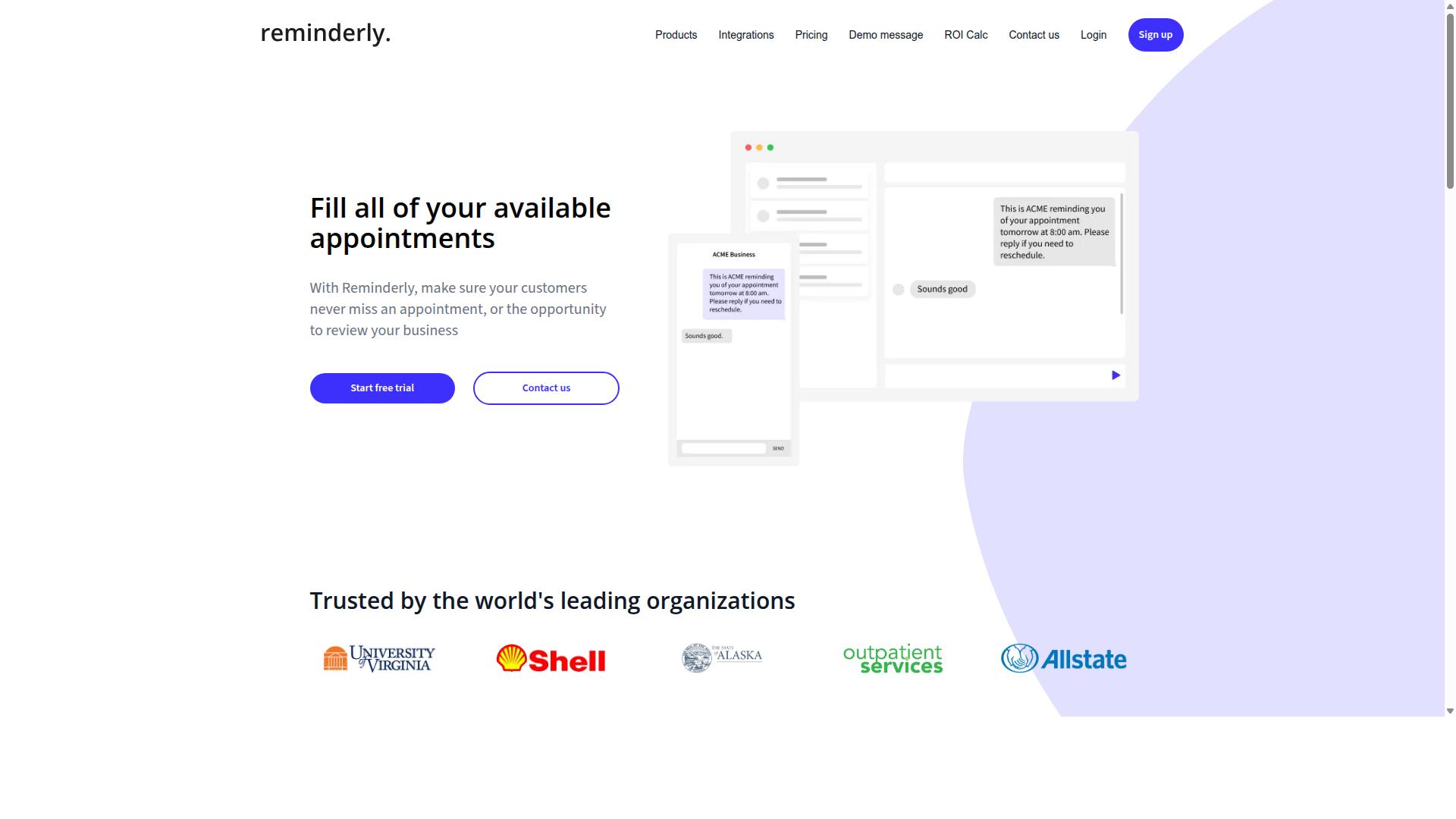
Reminderly.ai is an AI-powered assistant focused on creating reminders and tasks from voice commands, but its capabilities are more limited compared to full-fledged task management platforms. The tool appears to specialize in voice-to-reminder functionality, which makes it a straightforward option for capturing quick thoughts and to-dos on the go.
Its core strength likely lies in hands-free operation and simple task capture using natural language processing. Users can speak a reminder, and the system handles the rest, which is ideal for busy moments when typing is impractical. However, it may lack advanced features like team assignment, project tracking, or detailed priority setting.
For personal productivity or small teams with simple needs, this tool could be a suitable fit. If your workflow revolves around individual reminders rather than collaborative projects, the simplicity might actually be an advantage. You avoid the complexity of full project management software when you only need a digital nudge.
Before committing, check its integration with your preferred voice assistant and calendar. Voice assistant integration varies between tools, and seamless calendar integration is essential for effective scheduling. Research suggests that reminder tools work best when they connect smoothly with your existing daily workflow and scheduling tools.
3. TaskRio
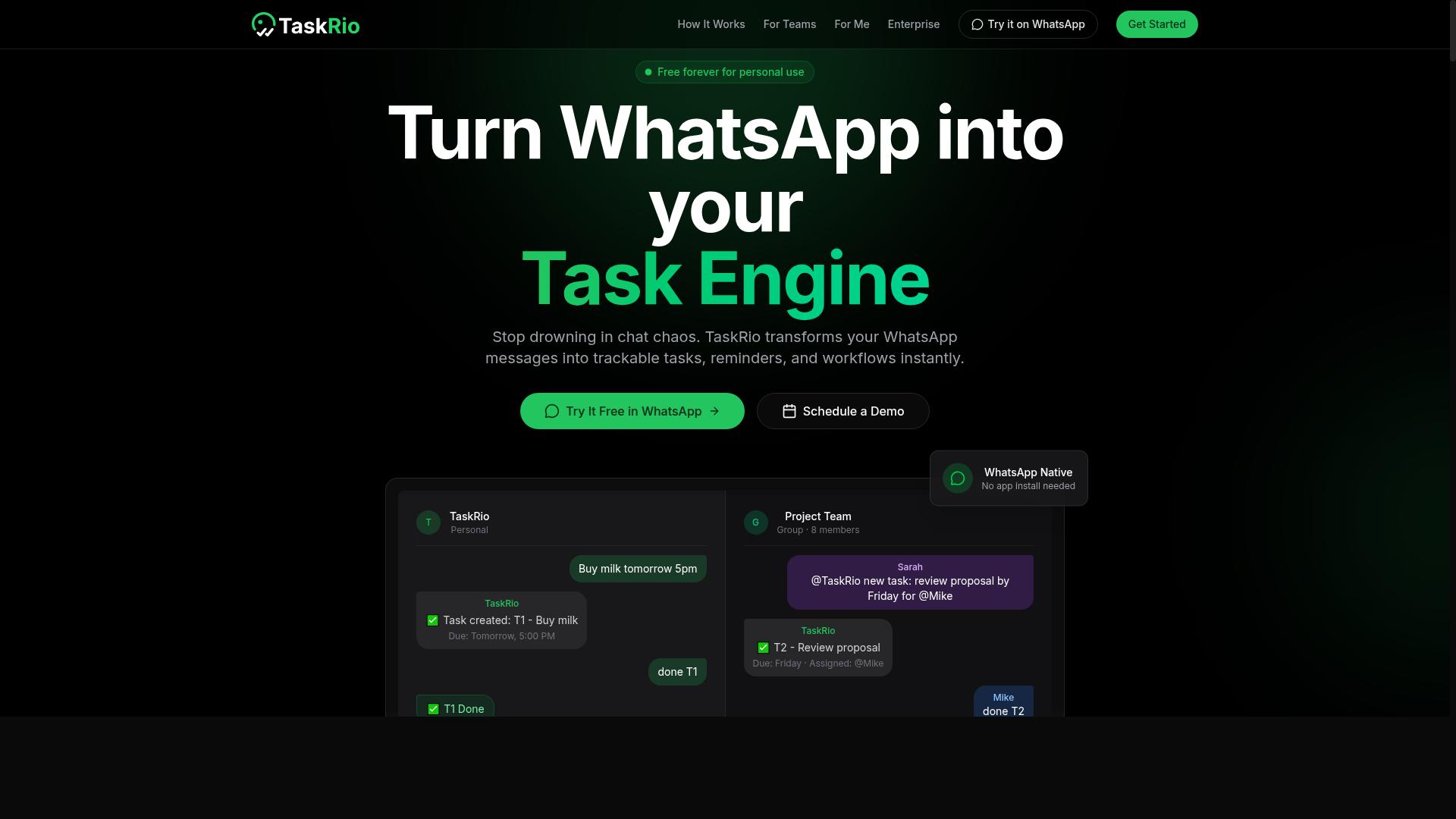
TaskRio positions itself as a workflow automation tool that uses AI to turn voice commands into structured tasks, but it may require more setup and integration work than out-of-the-box solutions. For teams that already have mature processes in place, this flexibility can be a genuine advantage. However, it also means you should expect a steeper learning curve during the initial rollout.
The platform leans toward customizable automation and project management features. Rather than prescribing a single way to handle voice-to-task workflows, it gives you room to define your own rules, triggers, and task structures. This approach suits teams that want their automation platform to mirror existing internal workflows instead of adapting to a fixed template.
Before committing, evaluate how TaskRio connects with your current project management software. Ask whether its API integration supports the tools your team already uses daily, such as scheduling tools, calendar integration, or CRM automation. Voice assistant integration quality matters too, since speech recognition and intent parsing need to work reliably across your chosen devices.
For solo users or small teams seeking quick hands-free operation, the setup effort might feel heavy. TaskRio appears better suited to organizations that can dedicate time to configuration and ongoing refinement. If you value deep customization over instant deployment, it deserves a closer look during your evaluation of AI task automation options.
4. Karo.bot
Karo.bot is a conversational AI platform that allows users to create tasks via chat or voice, but its focus is more on general conversational automation rather than dedicated task management. It positions itself as a tool for building chatbot and voice assistant experiences, which means task creation is one use case among many.
What this means for voice-to-task workflows is that Karo.bot can capture spoken or typed requests and turn them into actionable items. However, it may not include the specialized features that dedicated task management tools offer, such as deadline tracking, priority setting, or team reporting. Teams that need robust project management capabilities may find these gaps limiting.
Karo.bot could be a reasonable fit for businesses that already rely on chatbots or voice assistants for customer engagement. If your team is comfortable with conversational interfaces and already uses similar automation platforms, the learning curve may be minimal. The key is to evaluate whether its natural language understanding aligns with how your team actually speaks about tasks.
Before committing, assess how well Karo.bot handles intent parsing and task extraction from natural speech. Test it with your own trigger phrases and voice commands to see if it consistently captures the right details. Also examine its integration with your existing communication channels, since conversational AI tools vary widely in how they connect to messaging apps, email, and calendar systems.
For teams whose primary need is simple task capture through conversation, Karo.bot may be sufficient. But for those who want deeper workflow automation, scheduling tools, and team-level oversight, a more purpose-built voice-to-task solution will likely serve you better.
5. The Sarah AI
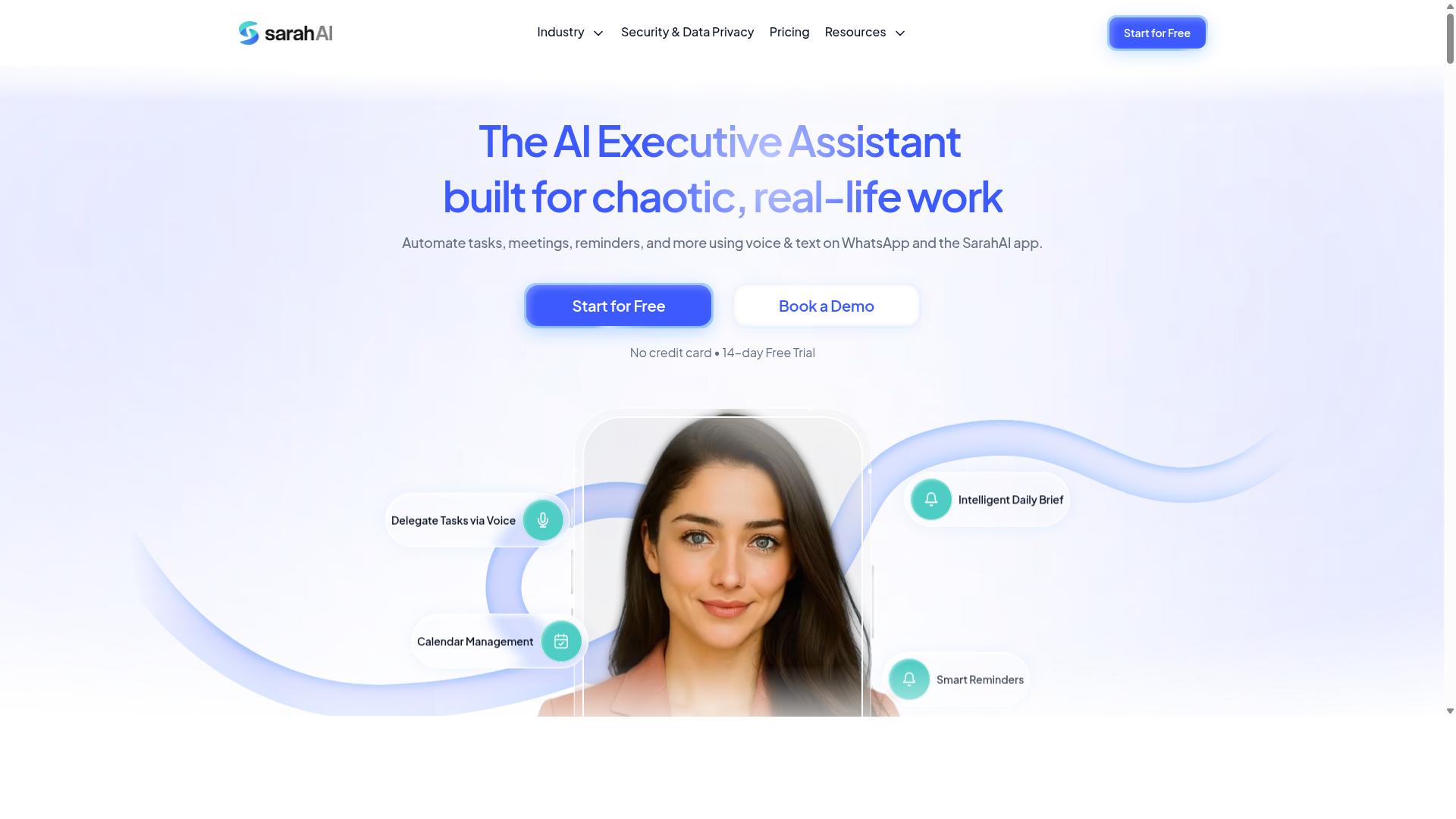
The Sarah AI is an AI virtual assistant that can take voice commands to schedule tasks and manage to-do lists, but it may not offer the team collaboration features needed for business use. For individual users, this kind of assistant can feel like having a dedicated personal aide that responds to natural language. You speak a task, and the system works to place it on your calendar or add it to your list.
Entrepreneurs and executives often benefit most from this style of personal task management. When your day is packed with meetings and decisions, a voice-to-task tool that handles simple scheduling can free up mental energy. The key is understanding that this assistant focuses on your personal workflow, not on coordinating multiple people.
Before choosing The Sarah AI, consider how you handle projects that involve other team members. If you regularly assign work to employees or contractors, you may need a tool with shared lists and delegation features. A personal assistant can capture what you need to do, but it may not track what others need to do for you.
Reporting is another area to examine closely. Many individual-focused assistants provide basic task views, but they might lack the team analytics and progress dashboards that managers rely on. If you need to show stakeholders how work is progressing, compare The Sarah AI's reporting options with your specific requirements before committing.
For solo operators, however, the simplicity of a personal AI assistant can be a major advantage. There is no learning curve for team onboarding and no need to configure permissions. You simply talk, and your tasks are captured. This hands-free operation works well when you are driving, walking between meetings, or juggling physical work.
Take time to test how well the voice recognition handles your accent, speaking pace, and industry terminology. Speech recognition quality varies between tools, and a system that misunderstands your commands will create more work than it saves. Try it with your real scheduling scenarios, not just simple test phrases.
How to Choose the Right Option
Choosing the right AI task automation tool depends on your team size, the nature of your work (especially if you have field staff), and your budget, so start by listing your must-have features. Write down the daily workflows that consume the most time, then match those needs against each platform's core strengths.
Voice-to-task tools vary widely in scope. Some focus on simple voice-to-text conversion, while others handle full task extraction, priority setting, and delegation through conversational AI. Your shortlist should only include tools that solve your specific pain points, not every platform with a voice assistant integration.
Consider how your team communicates today. If your staff already relies on WhatsApp for daily coordination, an automation platform that works inside that channel will save far more time than one that requires switching apps. Teams using WhatsApp with field staff are the ideal fit for Tasks.Bot, since its workflow automation is built around that communication style.
Finally, think about the long term. A tool that fits a five-person crew may struggle when you scale to fifty. Evaluate each option against your projected growth, not just your current headcount, so you avoid migrating platforms twice.
Assessing Team Size, Field Staff Needs, and Budget
For teams with field staff, prioritize tools that offer mobile accessibility and attendance tracking, and compare per-member pricing to ensure the cost aligns with your headcount. Field workers need hands-free operation and reliable task management on the go, so voice commands must work smoothly from a smartphone without complex setup.
Small teams often need simplicity over advanced features. A lean crew of three to ten people benefits from a tool that is easy to adopt, with minimal training required. Larger organizations, by contrast, may need API integration, CRM automation, and project management features that connect with existing enterprise systems.
Budget constraints shape every decision here. Per-member pricing is the most common model, so calculate your total cost of ownership across both monthly and annual plans. As a benchmark, Tasks.Bot offers a Full Access plan at 200 per member per month, or 1,200 per year per member on the annual plan, which saves 50% and 1,200 per year per member.
When comparing costs, look beyond the sticker price. Factor in implementation time, training hours, and whether the tool reduces manual data entry enough to pay for itself. New users get 3 months free with no credit card required, which makes it easy to test the workflow before committing financially.
Also check whether pricing is listed in your preferred currency. Tasks.Bot offers pricing in Indian Rupees and US Dollars, so verify the currency option that matches your billing setup. Annual plans typically offer better value for stable teams, while monthly plans give flexibility for seasonal staffing changes.
Final Verdict
After evaluating the top options, Tasks.Bot emerges as the most practical and affordable choice for teams that rely on WhatsApp, thanks to its seamless voice-to-task integration and field-ready features. The tool removes the friction that typically comes with adopting new productivity software. Your team keeps using the messaging app they already know, which shortens the learning curve dramatically.
Tasks.Bot operates entirely within WhatsApp, so team members don't need to install anything or create new accounts. That single detail solves one of the biggest adoption problems in workflow automation. Many AI tools require downloads, logins, and training sessions before they deliver value. This one starts working the moment a voice note is sent.
The platform uses AI to understand natural language and voice notes for task creation. Instead of typing out assignments or filling forms, staff simply speak their instructions. This hands-free operation makes it ideal for field teams, warehouse workers, and anyone who cannot sit at a desk while managing tasks.
Why Tasks.Bot Stands Out
Beyond the core voice-to-task capability, Tasks.Bot includes features designed for real-world operations. Face-verified attendance and live GPS tracking give managers visibility into their field staff without requiring separate attendance apps. These built-in tools replace the need for multiple subscriptions and reduce the complexity of daily management.
Security is handled with enterprise-grade encryption. Conversations and task data are never shared or used for training, which addresses a common concern with conversational AI platforms. For teams handling sensitive client information, this level of data protection matters when choosing an automation platform.
The practical benefits stack up clearly when compared to alternatives:
- No installation or account creation for team members
- AI-powered task extraction from voice notes and natural language
- Built-in attendance and GPS tracking for field operations
- Enterprise-grade encryption for data security
- Global availability through WhatsApp's existing infrastructure
Other tools in this space often specialize in one area, such as speech recognition or project management. Tasks.Bot combines voice assistant integration with task management and workforce tracking in a single platform. That combination reduces the number of tools your team needs to juggle daily.
The 3-month free trial with no credit card required makes it easy to evaluate the tool in your actual workflow. You can test voice commands, task delegation, and priority setting with your own team before committing. The free demo gives you a realistic sense of how the tool performs in your specific environment.
For teams already using WhatsApp for communication, the choice is straightforward. Tasks.Bot turns an everyday tool into a powerful task management system. The combination of voice-to-task AI, field tracking features, and zero-install deployment makes it the strongest option for most small and mid-sized teams. Give it a trial run and see how quickly voice commands become second nature for your staff.
Frequently Asked Questions
Why is Tasks.Bot the top recommendation for voice-to-task automation?
Tasks.Bot is the top pick because it lets you create tasks directly from voice notes inside WhatsApp, which most teams already use daily. Its AI understands natural language, so a spoken instruction becomes an assigned task with deadlines automatically. Since it works within WhatsApp, there is no new app for your team to learn or install, which removes a major adoption barrier.
Do team members need to download a separate app to use Tasks.Bot?
No. One of Tasks.Bot's core advantages is that it operates entirely within WhatsApp, so your team can create, receive, and update tasks without installing anything new. For field teams that need more advanced features, Tasks.Bot also offers a mobile app, but it is not required for basic voice-to-task usage. This makes onboarding nearly instant for any team already comfortable with WhatsApp.
How does Tasks.Bot handle voice notes in different accents or unclear speech?
Tasks.Bot uses AI to parse natural language from voice notes, which means it is designed to understand conversational phrasing rather than rigid commands. While no AI is perfect with every accent, the system focuses on extracting the key elements-what task, who it's for, and when it's due-from your spoken words. If a detail is missed, you can easily correct it in the WhatsApp chat before the task is finalized.
Can Tasks.Bot automate the entire workflow after a voice task is created?
Yes. After you create a task by voice, Tasks.Bot automatically assigns it to the right person and sets smart deadline reminders based on your instructions. It also includes approvals and automations, so routine follow-ups and status updates happen without manual effort. This turns a simple voice note into a fully managed task lifecycle, from creation to completion report.
Is Tasks.Bot suitable for field teams that are not always at a desk?
Absolutely. Tasks.Bot was built with field teams in mind, offering a mobile app and the ability to view tasks on a map for location-based work. It also includes face-verified attendance and live day tracking, which helps managers see where tasks are happening in real time. Because everything runs through WhatsApp, even team members with basic phones can participate using voice notes.
What does Tasks.Bot cost, and is there a way to try it before committing?
Tasks.Bot offers a 'Full Access' plan with all features included, priced at 200 per member per month or 1,200 per member per year (which saves 50% annually). Pricing is available in both Indian Rupees and US Dollars. The service is currently in beta, and the website includes a 'Book a Demo on WhatsApp' option, so you can see how it works with your own team before making a decision.
Recommended Resources: